
Competitors & audiences
Set competitors and target audiences in RankPine. Guide keyword research with relevant sites and shape articles around the readers you want to reach.
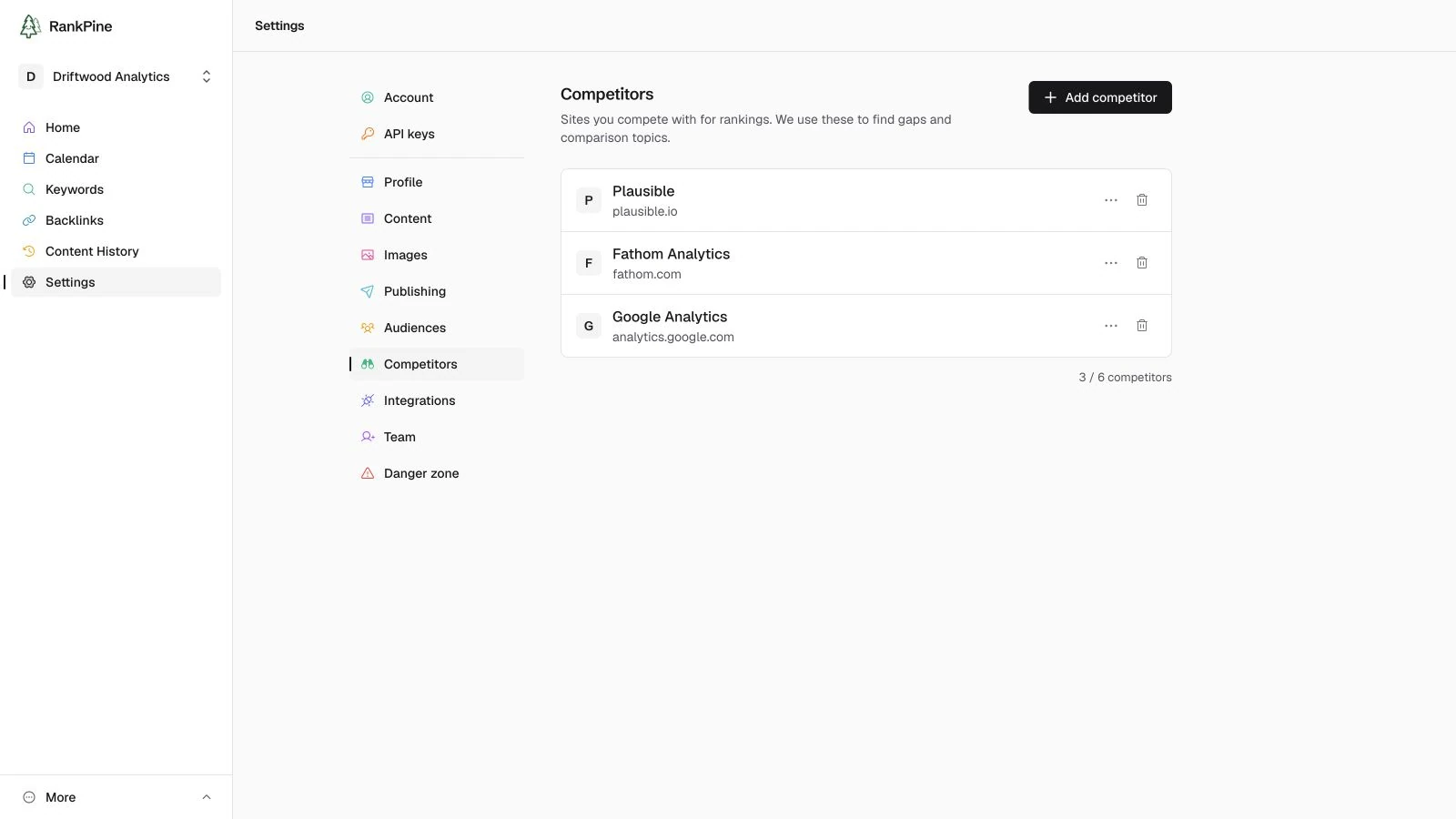
Two short lists that meaningfully sharpen what RankPine writes. Both are auto-detected from your site during onboarding and fully editable afterwards — competitors under Settings → Competitors, audiences under Settings → Audiences.
Competitors
The sites you compete with for rankings. RankPine uses them to find content gaps — terms your competitors rank for that you don't — and to write comparison and alternative posts.
Each competitor has:
- Domain (required) — e.g.
competitor.com - Name (optional) — e.g.
Competitor Inc. - Notes (optional) — anything worth remembering, like where they're strong
Add the handful of sites you genuinely lose rankings to. A focused list of real competitors beats a long list of loose ones.
Audiences
Who you're writing for. This shapes which topics get chosen and the angle and depth of each article — a piece aimed at "indie SaaS founders" reads very differently from one aimed at "enterprise IT buyers."
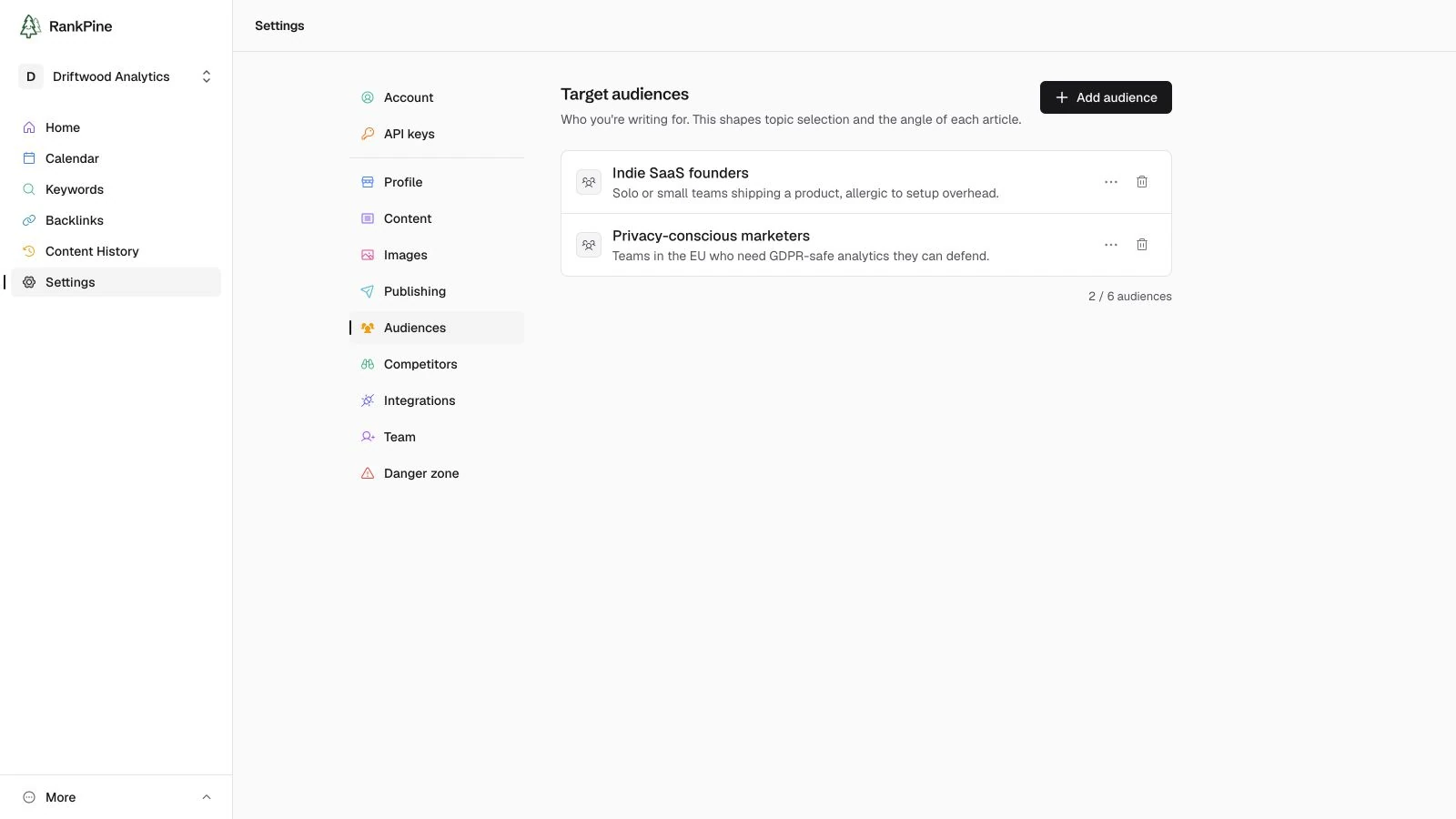
Each audience has:
- Label (required) — e.g.
indie SaaS founders - Description (optional) — e.g.
Early-stage solo builders with $0–$50K MRR
A little specificity goes a long way
"Marketing managers at B2B SaaS companies" steers far better than "businesses." Add two or three real audiences rather than one vague one.