Internal Linking Automation: A Practical Workflow

Publishing a new article requires more than formatting the text and pressing publish. You need to connect that new piece to the rest of your website, which usually means opening a new browser tab, searching your domain for related posts, copying URLs, finding a natural sentence in your draft to hold the reference, and checking that the target page still exists. Solo founders and lean marketing teams often skip this step when rushing to maintain a publishing schedule. This leaves a growing collection of isolated articles that readers cannot explore and search engine crawlers struggle to discover.
Internal linking automation replaces that manual search process with software. A configured system maps your existing pages, analyzes your draft, and suggests relevant connections before the post goes live. If you use an automated SEO content platform like RankPine, this connectivity happens on autopilot. RankPine generates well-researched daily articles and automatically includes internal links to relevant pages already on your site, moving the task out of your daily workload. Automating these connections keeps your content graph healthy, provided you maintain basic editorial standards and focus on helping the reader find their next logical step.
What Internal Linking Automation Does
Automated internal linking consists of software-assisted discovery, matching, suggesting, inserting, and checking of links between pages on the same domain. This process addresses a different problem than acquiring backlinks from external websites. While external links build domain authority through third-party validation, internal links build site structure. They establish a hierarchy, group related topics together, and distribute the flow of visitors across your site.
Readers rely on these connections to answer secondary questions. If a visitor reads an article about optimizing images, they need a natural path to your tutorial on compression formats. Google uses links to help find new pages and as a relevance signal. Google's link best practices explain that links help crawlers find pages, while descriptive anchor text gives Google context about the linked page.
Automation handles the repetitive mechanics of this process. The software maintains a database of your live URLs, parses the text of your unpublished draft, and identifies thematic overlap. Instead of forcing you to remember a post you published three years ago, the system surfaces the relevant URL instantly. A complete automation workflow will then format the HTML, insert the anchor text, and verify that the link resolves correctly upon publishing. This guarantees that your new content immediately integrates into the broader site architecture without requiring a separate post-publication cleanup phase.
Which Parts of Internal Linking Can You Automate?
Connecting a website involves several distinct tasks, and software can manage most of the heavy lifting. The foundation of any automated linking system is an accurate inventory. The software routinely scans your sitemap or queries your content management system database to compile a list of published URLs. It records the title, a summary of the content, the primary topics covered, and the current HTTP status code for every page. A well-designed tool allows you to exclude specific directories, keeping private pages, obsolete marketing campaigns, and intentionally isolated landing pages out of the suggestion pool.
With the inventory established, the system handles candidate matching by comparing the paragraphs of your new article against the database of existing pages. Early automation tools looked for exact keyword matches, which often resulted in useless connections. Linking the word "bank" in an article about rivers to a financial guide creates a frustrating experience for the reader. Modern matching relies on semantic overlap, evaluating the broader context of the sentence to ensure the destination page answers the reader's implied question.
Once the software identifies a strong match, it surfaces a placement suggestion. A practical tool displays the proposed sentence, the specific destination URL, and the exact anchor text together in one view, allowing a human editor to review the context at a glance. If the software operates automatically during the publishing step, it inserts the standard HTML tag directly into the database.
The final automated step is validation. The system confirms that the inserted link points to a live page returning a 200 status code. If your site relies on custom rendering or headless CMS SEO automation, the software also verifies that the link appears correctly in the final rendered output. The system then generates a report flagging any broken links, unintended duplicate references, and established pages that currently have no incoming internal links.
A Publish-and-Audit Workflow
Building internal links consistently requires integrating the automation directly into your publishing cycle. A bolt-on audit tool run once a quarter leaves new pages isolated for months. Solo publishers and lean teams need a repeatable daily process that handles links at the exact moment a draft becomes a live article.
The workflow begins by refreshing the eligible-page inventory. Before evaluating a new draft, the system updates its internal map to account for any pages deleted, redirected, or published since the last cycle. It then analyzes the new article to find topics that expand on your older material, formulating a suggestion that aligns with the reader's current need whenever it finds a relevant overlap.
You then review these proposed placements. A good software interface presents the specific paragraph alongside the suggested hyperlink, providing the context needed for editorial judgment to override mechanical matching.
If the suggestion helps clarify a technical term or points to a relevant case study, you approve it. If the connection feels forced or interrupts the flow of the explanation, you skip it. A practical automation workflow allows you to reject a weak match without friction. Teams moving away from manual content generation often evaluate different AirOps alternatives to find platforms that handle drafting and link insertion simultaneously without forcing irrelevant connections.
After approval, the system inserts the links and publishes the page before running a post-publish check. It scans the live URL to ensure a crawlable anchor element exists in the document object model, and follows the link to confirm the destination resolves to the intended page. This catches any errors introduced by last-minute URL slug changes or redirect loops.
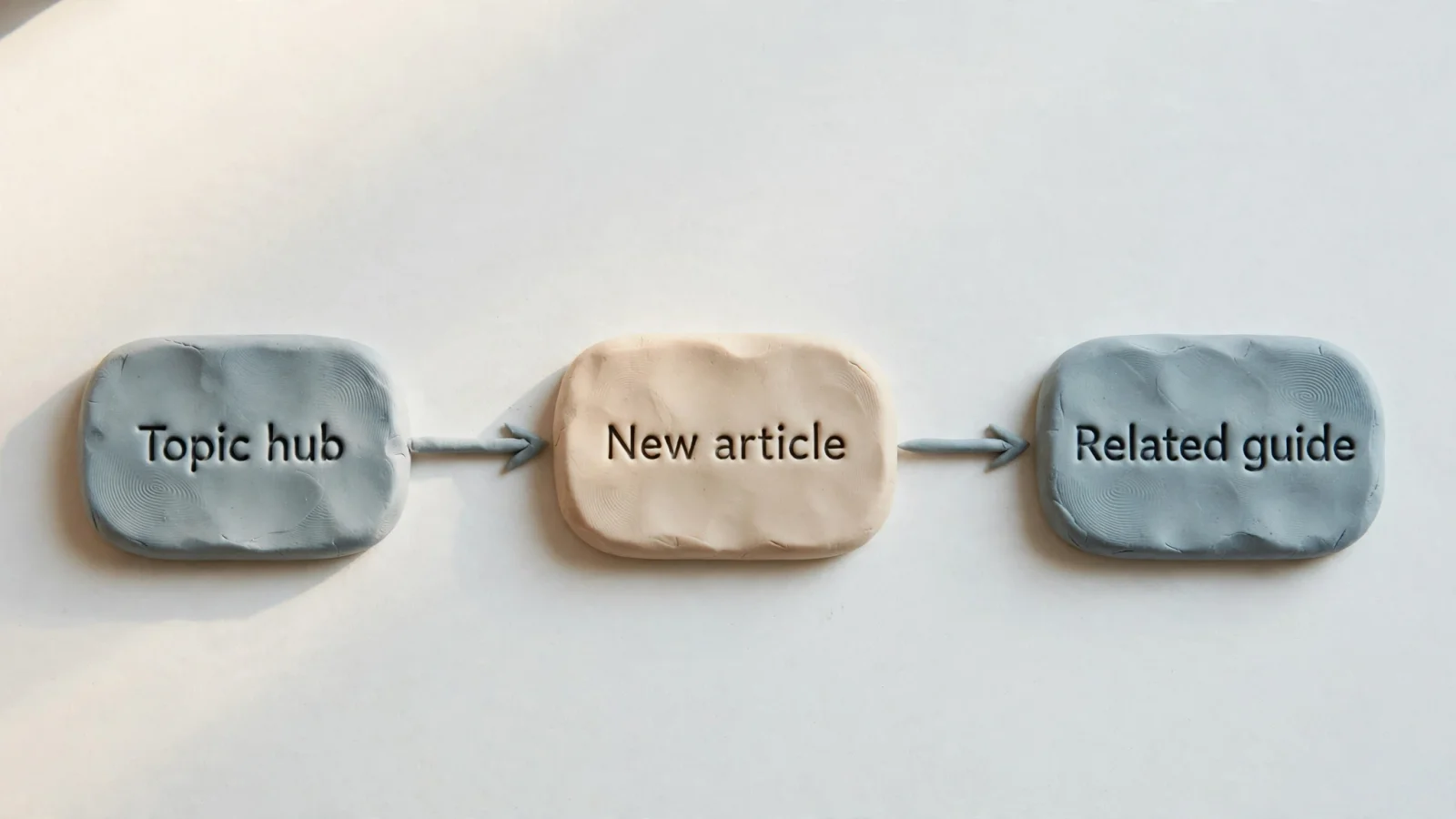
This workflow handles outbound links from the new article, but it misses a structural requirement. A new article linking out to five older pages does not give itself an incoming internal link, meaning it remains an orphan disconnected from the rest of the site structure. A complete automation setup includes a reverse check to solve this. When you publish a new guide, the system flags it as having zero incoming paths. You can then open a relevant topic hub, a related archive, or a high-traffic older article and instruct the system to add a link pointing forward to your new piece. Building this bidirectional check into every publish cycle prevents your newest content from languishing in isolation.
Keep Automated Links Useful
The primary risk of automation is generating links that serve metrics rather than people, as adding fifty internal links to a short blog post creates a cluttered, unreadable page. Editorial guardrails keep the automation focused on utility. Approve a link only if it makes the current text clearer and provides a useful path for the visitor.
Anchor text requires careful management. Early SEO advice encouraged site owners to use exact-match keywords for every internal link, which results in robotic sentences where the same awkwardly phrased keyword appears repeatedly. Google advises using natural, descriptive link text that makes sense within the flow of the paragraph. If the destination page is about optimizing database queries, a natural anchor might be "improving your server response time" rather than repeatedly linking the phrase "database optimization tutorial." Concise, accurate phrasing performs better than mechanical repetition.
Avoid linking every occurrence of a phrase. If a specific product name appears ten times in an article, linking it only on the first instance provides the necessary navigation path without frustrating the reader. Smart automation rules restrict the system from suggesting duplicate destinations within the same post.
Treat reporting flags with nuance. When your software highlights an older page with zero incoming links, view that as a prompt to review the page's relevance. It serves as a diagnostic signal, not a mandate to force a link into an unrelated article. If the isolated page covers an obsolete product feature, the correct action might be deleting or redirecting the URL entirely rather than cluttering a new post with a forced connection. Google’s documentation confirms that every page you care about needs at least one link from another page on your site, but it pointedly does not prescribe a universal ideal number of links per page.
Choose a Tool That Fits Your Workflow
Evaluating internal linking software requires looking past basic keyword matching. The tool needs to integrate with your existing publishing system, because a platform that requires you to manually copy and paste HTML blocks across different windows defeats the purpose of automation.
Prioritize matching capabilities based on page context. The system needs to understand the semantic relationship between a paragraph discussing "customer retention" and a destination page titled "reducing software churn." Tools that scan only for overlapping text strings generate endless false positives. The interface also needs to show the placement, target, and anchor together. Reviewing a list of bare URLs without seeing the surrounding sentence makes editorial oversight impossible.
Consider the trade-off between fully automatic insertion and an approval queue. Fully automated insertion works well for highly structured programmatic sites where topic silos are strictly defined, while an approval step prevents awkward phrasing and irrelevant connections on standard business blogs. Your software also needs to provide clear reporting that separates outbound links in new drafts from site-wide incoming link coverage, making it easy to identify important pages that lack visibility.
For solo founders and lean teams running a daily publishing schedule, RankPine provides an integrated solution. RankPine identifies winnable long-tail keywords, researches the topic, and publishes one useful article to your CMS every day. As part of that automated generation, RankPine posts automatically include internal links to relevant pages already on your site. This ensures your new content arrives connected to your existing architecture. If you are comparing specialized marketing tools or searching for a better AI than ChatGPT for writing, selecting a platform that understands your site structure eliminates the need for standalone linking plugins.
What Internal Linking Can and Cannot Promise
Internal linking automation improves site navigation and helps search engines discover your content, but it does not guarantee search rankings. A strong internal architecture ensures crawlers can find your pages and understand their relationships. It distributes equity across your domain and prevents valuable articles from dropping out of the index due to isolation.
The technical execution determines whether these benefits materialize. Search engines generally need an HTML tag to follow a connection. While JavaScript can inject links dynamically into a page, the resulting markup in the rendered document object model still needs to be a standard, crawlable anchor. A practical automation workflow verifies the published output, ensuring the final rendered page meets these technical requirements rather than relying entirely on a database entry.
Google’s guidance for its generative AI search features points site owners back to foundational SEO practices, including making content crawlable. Google says its generative AI systems use publicly accessible, crawlable content to learn patterns and provide grounded responses. For a page to be eligible for display in these features, it must be indexed and eligible to appear in Google Search with a snippet, and the site must be included in Search generative AI features in Search Console.
Automating your internal links ensures these pathways remain open as your site grows. There is no magic link count that forces an AI chatbot to cite your brand, and forcing irrelevant connections will not improve your visibility. Sound automation handles the repetitive discovery and validation tasks, allowing you to maintain a consistent publishing schedule while ensuring every new article serves as a useful, connected resource for both readers and search crawlers.
Stop managing your site structure manually and let automation handle the connections. RankPine generates well-researched daily articles on autopilot, automatically including internal links to the relevant pages already on your site. Focus on growing your business while RankPine builds your organic traffic every single day.