Squarespace AI SEO: Tools, Setup, and Limits
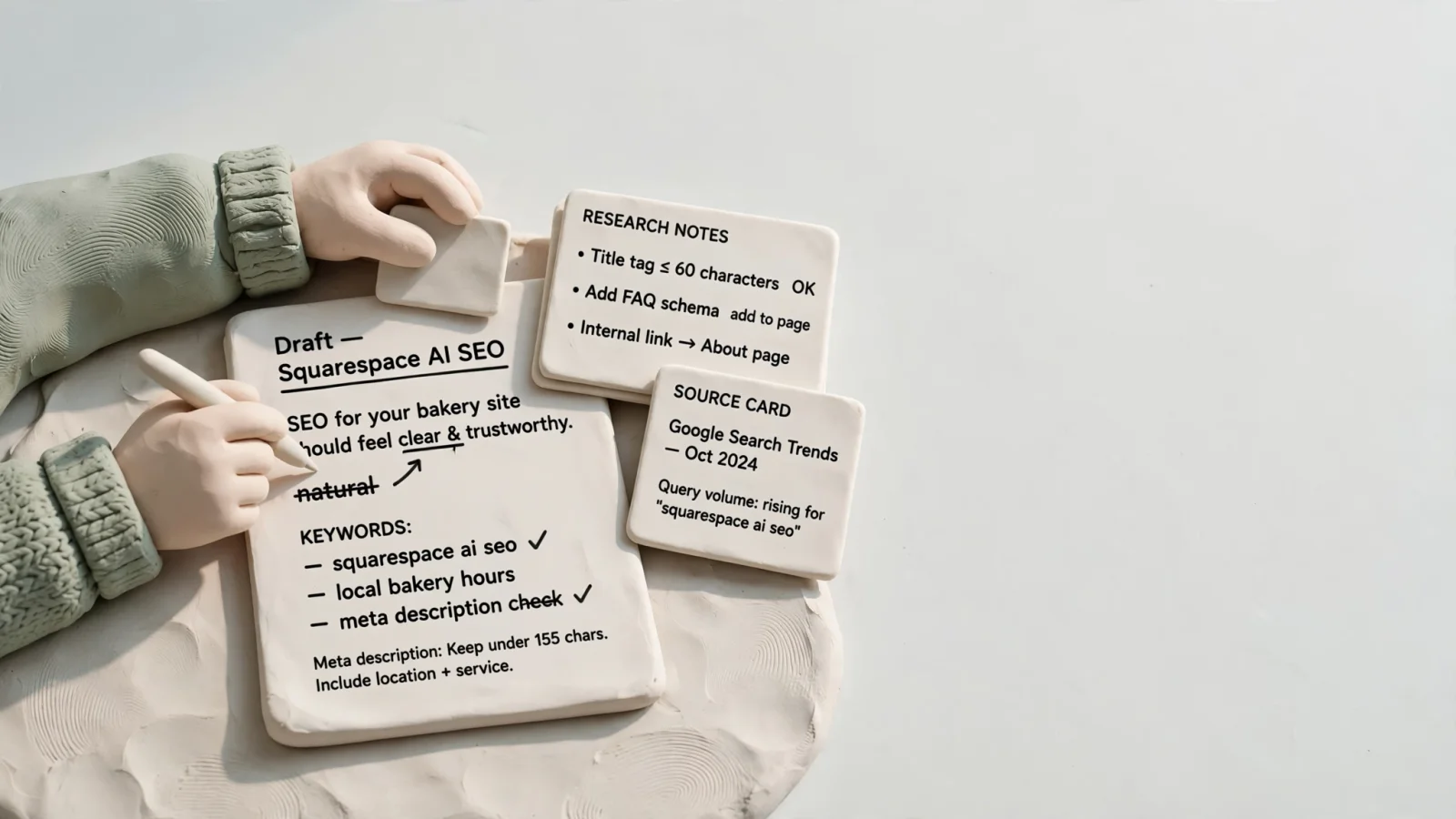
Designing a new website involves technical choices about formatting and strategic choices about what you publish. The Squarespace AI SEO toolkit handles the formatting side, generating text, suggesting missing metadata, and checking whether specific chatbots mention your brand. These built-in features speed up the mechanical tasks of finishing a single page, but growing organic traffic requires a dedicated publishing strategy. Your website builder presents the finished pages to readers, while a system like RankPine manages the daily content operation by identifying winnable topics and publishing researched articles consistently.
What Squarespace AI SEO Means
The phrase "Squarespace AI SEO" combines two different concepts that often get confused. It can refer to using artificial intelligence to write your site copy, or it can describe optimizing your site so that AI chatbots recommend it to users. Squarespace offers tools addressing both definitions. Understanding the limits of these features helps you plan your site growth.
A button that generates a meta description can save time filling in a metadata field, but it does not assess whether your target keyword is too competitive or guarantee that a search engine will rank the page. Squarespace provides an integrated editorial assistant for the page you are currently editing, whereas site-wide organic growth requires a content strategy built on search intent and regular publication. Squarespace helps prepare individual pages, while a dedicated content platform like RankPine manages the ongoing work of finding and publishing content.
What Squarespace’s AI SEO Features Do
Squarespace's AI SEO features cover three practical tasks: drafting or revising text, suggesting missing metadata, and checking whether selected AI platforms mention your business. Text generation appears in supported editing areas, while metadata and visibility controls sit in the SEO/AI Visibility panel.
Draft and revise content
Squarespace's documentation on using AI features says its AI can generate text from prompts and rewrite existing text.
Squarespace's AI usage guidance describes generated content as a first draft to edit for use on your website, so if you sell custom ceramic mugs, add the details that distinguish your products before publishing.
Suggest SEO descriptions and alt text
Meta descriptions can summarize a page, while alt text can describe an image for screen readers and search engines. Squarespace's guide to generating SEO descriptions and alt text covers using AI to create those fields. Its guide to using AI also covers creating a Brand Identity and describes generated content as a first draft to edit, so compare the text with the page or image before saving.
Check visibility in AI-generated answers
Squarespace's AI Visibility tool is presented as a way to track how your business performs in AI search results, and its guide includes sections on accessing and using the tool.
You enter branded prompts, such as questions that name your company, alongside non-branded prompts asking for general recommendations in your industry. The tool runs those queries through selected AI platforms like ChatGPT and Gemini, reporting whether your site appears in each response.
Squarespace's search visibility score combines its SEO score with its AI visibility score. A 100% score requires all scanned alt text and meta descriptions to be complete and every branded and non-branded prompt to receive the status "Mentioned." This score reflects Squarespace's field checks and prompt tests, not Google rankings or overall organic traffic, and it can't guarantee future appearances in AI answers.

What Squarespace Automates and What You Still Own
A modern website builder handles baseline technical requirements without your intervention. Squarespace automatically generates a structured sitemap, assigns static URLs to your pages, and outputs basic structured data for search crawlers, meaning you do not need to write code or configure server files to make your site indexable.
The system leaves several distinct optimization tasks entirely in your hands. You write the page content, define the SEO descriptions, and manage your site-wide SSL settings. If you use version 7.1, you can access a dedicated SEO Report to find pages and images with missing fields.
A green checkmark in the report indicates that you filled out a specific field, rather than confirming that the content is accurate, useful, or properly targeted. If you are reading recent AutoSEO reviews or comparing optimization services, remember that generating a meta description satisfies a technical formatting requirement. You retain responsibility for content quality, topical authority, and site architecture.
Build a Sustainable Content Workflow Around the Tools
Because formatting a page correctly doesn't determine what belongs on it, a sustainable editorial workflow starts with a specific question your target audience asks, rather than a blank template waiting for text.
Imagine running a niche site about home coffee roasting and deciding to answer a question about cooling beans quickly to stop the roasting process. You research the physics of airflow, identify a long-tail keyword with realistic ranking difficulty, and outline the article. After drafting the piece and adding your testing data, you open the Squarespace editor, paste your content, and use the text tool to suggest a meta description before publishing the page to monitor its visibility.
Repeating that entire process manually every day exhausts lean marketing teams and solo founders. Time to research winnable topics, compile evidence, and format the results quickly disappears, causing the publishing schedule to slip from daily to weekly and then to monthly.
RankPine solves this operational bottleneck. Instead of managing the research and drafting phases yourself, you connect RankPine to your CMS. The platform analyzes market trends, identifies realistic long-tail keywords your site can compete for, and automatically publishes one well-researched article with genuine citations directly to your site every day.
That steady cadence reduces the burden of manual drafting and leaves you free to focus on running your business. If you are evaluating content systems or AirOps alternatives, a hands-off daily publishing engine addresses a different part of the workflow than a page-level writing assistant.

What These Tools Mean for Search Visibility
Completing the metadata fields in your website builder prepares your pages for indexation, but it does not force search engines to show those pages to users. Visibility in traditional search engines and AI chatbot platforms requires distinct technical approaches and quality standards.
Google still relies on accessible, useful pages
Google's generative AI search features use its core Search systems, so a page must be indexed and eligible for a Search snippet to qualify. The same Google's current guidance also says a site must be included in Search Console to appear in Search generative AI features.
You do not need special AI-specific markup or an llms.txt file to appear in Google Search, including its generative AI features, because Google's guidance on AI search says Google Search itself does not use those files. The same Google guidance says there is no need to rewrite content specifically for generative AI search. It recommends a clear technical structure, crawlable content, and well-organized pages, so focus on those practices.
AI content and publishing cadence require judgment
Google's guidance for generative AI in Search says that if generative AI tools assist with content creation, the work must meet Search Essentials and spam policies. The same guide says creating separate pages for search variations primarily to manipulate rankings or generative AI responses violates Google's scaled content abuse policy, and that a high page count alone does not make a site higher quality or more relevant to users.
Google's generative AI search guidance also says there is no ideal page length. So review AI-assisted content for accuracy, keep it useful and original, and answer the reader's question with enough context to cover the topic without padding to an arbitrary word count.
Squarespace AI SEO FAQs
Does Squarespace AI SEO improve Google rankings?
Squarespace's AI metadata guidance covers generating SEO descriptions and alt text, but those fields don't guarantee rankings. The guide describes Squarespace AI output as first-draft content to edit for use on your website.
Can Squarespace AI write blog posts?
Yes. The platform generates first drafts and rewrites existing text in supported areas, including text blocks and blog posts. Reviewing the output lets you correct generic phrasing, remove repetition, and fix inaccurate claims before publishing.
Can Squarespace check for mentions in ChatGPT or Gemini?
Squarespace's AI Visibility guide includes sections on tracking business performance in AI search results, prompts, and the search visibility score.
Which Squarespace AI SEO features require version 7.1?
Squarespace's documentation on Improve with AI says metadata generation requires version 7.1 with Fluid Engine. The AI Visibility tool also requires version 7.1 and is available only in English.
Is AI-generated content against Google’s guidance?
Google's guidance for generative AI content says that if you use generative AI tools to assist with content creation, the work must meet Search Essentials and spam policies. The same guidance says creating separate pages for search variations primarily to manipulate rankings or generative AI responses violates Google's scaled content abuse policy, while a high page count alone does not make a site higher quality or more relevant to users. So fact-check claims before publishing to help readers get reliable answers.
Does Google require an llms.txt file for AI search?
No, Google's current guidance on generative AI search says llms.txt and other AI-specific files are not needed to appear in Google Search, including its generative AI features, because Google Search itself does not use them. It also says a page must be indexed and eligible for a Search snippet to qualify, and that the site must be included in Search generative AI features in Search Console.
RankPine automates your entire SEO content strategy so you can focus on building your business. Our platform researches winnable long-tail keywords and publishes one high-quality, fully cited article to your site every single day. Stop worrying about content calendars and let automation drive your organic growth. Learn more at RankPine.com.