Best Automated Blogging Software for WordPress in 2026

Selecting the best automated blogging software for WordPress means defining exactly which parts of your publishing pipeline you intend to hand over to a machine. You face a category problem when evaluating these tools because the software market groups very different systems under the same label. Some products act as a blank page with a specialized prompt box, while others generate hundreds of articles at once from a spreadsheet of titles. A third group researches market trends, identifies topics, and delivers a completed draft directly to your content management system on a recurring schedule.
Understanding the limits of your own capacity determines which approach makes sense. If you struggle with the blank page but have time to conduct keyword research, an in-editor writing assistant fits your workflow. If you want to build a site quickly and prefer to manage content in large spreadsheets, a batch generator matches that operating style. If you need a fully managed publishing schedule without handling the daily task list, RankPine operates as a standalone research-to-WordPress delivery system.
Before committing to a subscription, compare how each platform handles topic discovery, source verification, content delivery, and the true cost of producing a publishable page.
Compare Topic Research, Evidence, and Editorial Control
Automation begins long before the software generates a headline. The most labor-intensive part of managing a website involves deciding what to publish next based on search volume, competitor gaps, and your existing content structure.
Software handles this discovery phase in distinct ways. Some systems require you to supply a list of exact titles or primary keywords, running through your list to generate text and stopping when the queue empties. This approach requires you to maintain a separate workflow for keyword research, clustering, and scheduling.
Other systems take on the research workload directly. RankPine analyzes a target website, maps competitor coverage, and identifies keyword opportunities to build its own daily publishing queue. This removes the need to constantly feed prompts into a system, which aligns well with choosing automated daily blog publishing software for a hands-off strategy. Autoblogging.ai also documents topical mapping and competitor research features, though its core workflow builds around processing batches of up to 500 titles per run based on your configuration.
If you prefer to keep research tight to the writing interface, GetGenie provides keyword suggestions, search-engine results page (SERP) analysis, and competitor data directly inside the WordPress block editor. You steer the direction of the piece using these insights rather than letting an external system build the strategy.
Draft review and publishing controls
Once the software selects a topic, the next step is to assess how it supports its claims. Treat citations as items to verify for relevance and accuracy, rather than guaranteed proof of quality. A tool that includes hyperlinks might pull from authoritative industry reports, or it might link to an outdated forum post sharing a similar keyword. RankPine provides cited articles, internal links, and images, giving an editor a complete package to review.
Because AI can misinterpret data or hallucinate facts, leave time to review a post before it goes live. Look for systems that default to saving new articles as drafts. Sending an unreviewed batch of 50 posts directly to a published state creates a large cleanup task if the formatting fails or the tone misses the mark. Draft status allows your team to check formatting, test the links, and correct errors. You can switch to automatic publishing only after the tool consistently proves it understands your formatting rules and brand voice.
Check WordPress Delivery and Schedule Reliability
A connection to WordPress only saves time if it supports the specific post status and publishing details your team relies on. Moving plain text from an external dashboard into the Gutenberg editor still leaves you with ten minutes of formatting work per article.
Evaluate how the integration handles the surrounding data. A complete delivery system assigns the correct author, sets the category and tags, uploads a featured image to the WordPress media library, and populates the meta description. Autoblogging.ai documents a WordPress integration that pushes generated posts over with category selection, media, meta fields, and optional schema markup intact. GetGenie achieves this by operating natively, with its Blog Wizard generating the title, outline, and content directly into a new WordPress post. RankPine’s WordPress plugin receives complete content packages prepared by its external service, applying your choice of draft or published status automatically.
Scheduler behavior and failure handling
Scheduling creates a specific technical hurdle in WordPress. If an automation plugin relies entirely on native scheduling functions, you may experience missed publishing windows.
The WordPress developer documentation for wp_schedule_event() explains that scheduled actions trigger when someone visits the site after the scheduled time has passed, meaning the system checks the clock only when a page loads. If you run a new niche site with very low traffic, a post scheduled for 8:00 AM might remain in the queue until a web crawler or human visitor arrives at 11:30 AM to trigger the background process.
Software pushing content into WordPress via an external application programming interface (API) bypasses this issue. The vendor’s own server watches the clock and uses the WordPress REST API to inject the post at the exact requested minute. If you opt for a plugin-based scheduler, check your hosting provider’s documentation on WP-Cron management to ensure background tasks run reliably regardless of front-end traffic.
Calculate the Cost of a Usable Article
Comparing subscription prices directly rarely reveals the total cost of your content pipeline. Calculate the operating cost per usable article by factoring in the software subscription, credit usage, required add-ons, API charges, and the human time required to edit the output.
RankPine sets a fixed operational cost. Its standard plan runs $99 per month for one website and 30 SEO articles, representing a derived software cost of roughly $3.30 per article at full use. An optional AI visibility tracking add-on is available for $49 per site per month. Because the system handles topic discovery through to CMS delivery, the human time investment shifts entirely to final draft review.
Autoblogging.ai operates on a credit system, offering a Starter plan at $19 per month for 40 credits. Under that system, a Quick Mode article starts at one credit, and publishing it through the WordPress integration adds no credits; Smart Schema adds two credits to the article's cost.
GetGenie utilizes usage quotas for word generation and analysis. Starter pricing fluctuates based on promotions and billing cycles, so check the live GetGenie pricing page for exact current limits.
For a do-it-yourself stack using AI Engine and Meow Workflow, the plugin costs represent only one part of the equation. This setup also requires an API key from a provider like OpenAI or Anthropic. The cost per article changes based on the specific language model you select, the length of your prompts, and the maximum token output. This route requires the most technical oversight but offers granular control over text generation expenses.
Match the Shortlist to Your Operating Style
The products above serve different operational goals. Apply the criteria of research depth, editorial control, and delivery to map these tools against what your team needs to accomplish.
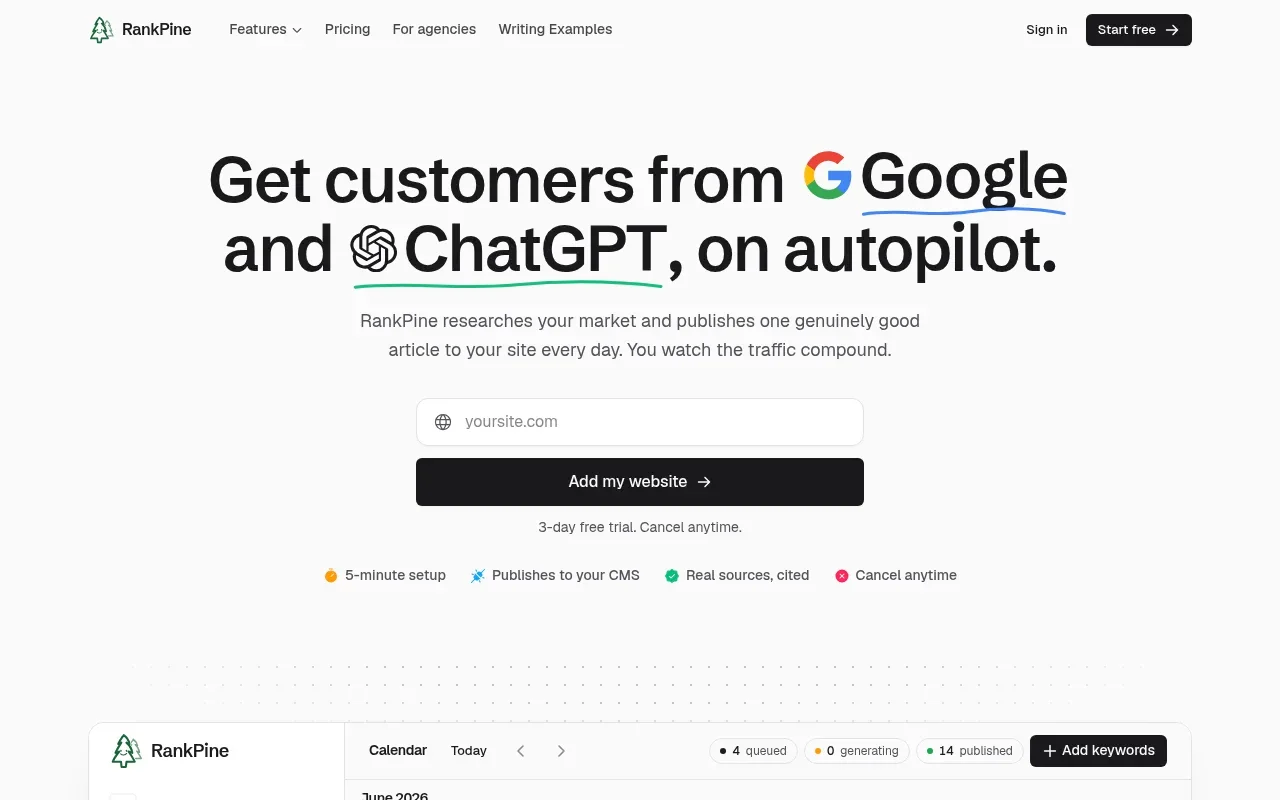
RankPine for daily research-to-WordPress delivery
If you want to establish a continuous organic search presence without managing a daily editorial calendar, RankPine provides the tightest fit. Rather than waiting for a user to supply titles, its vendor pages describe a system analyzing site context and competitor gaps to uncover winnable keywords. It produces one heavily researched article complete with citations, internal links, and images every day. This structure suits an operation wanting to automate blog posting to WordPress completely, turning content from a daily task into a daily delivery you review and approve.
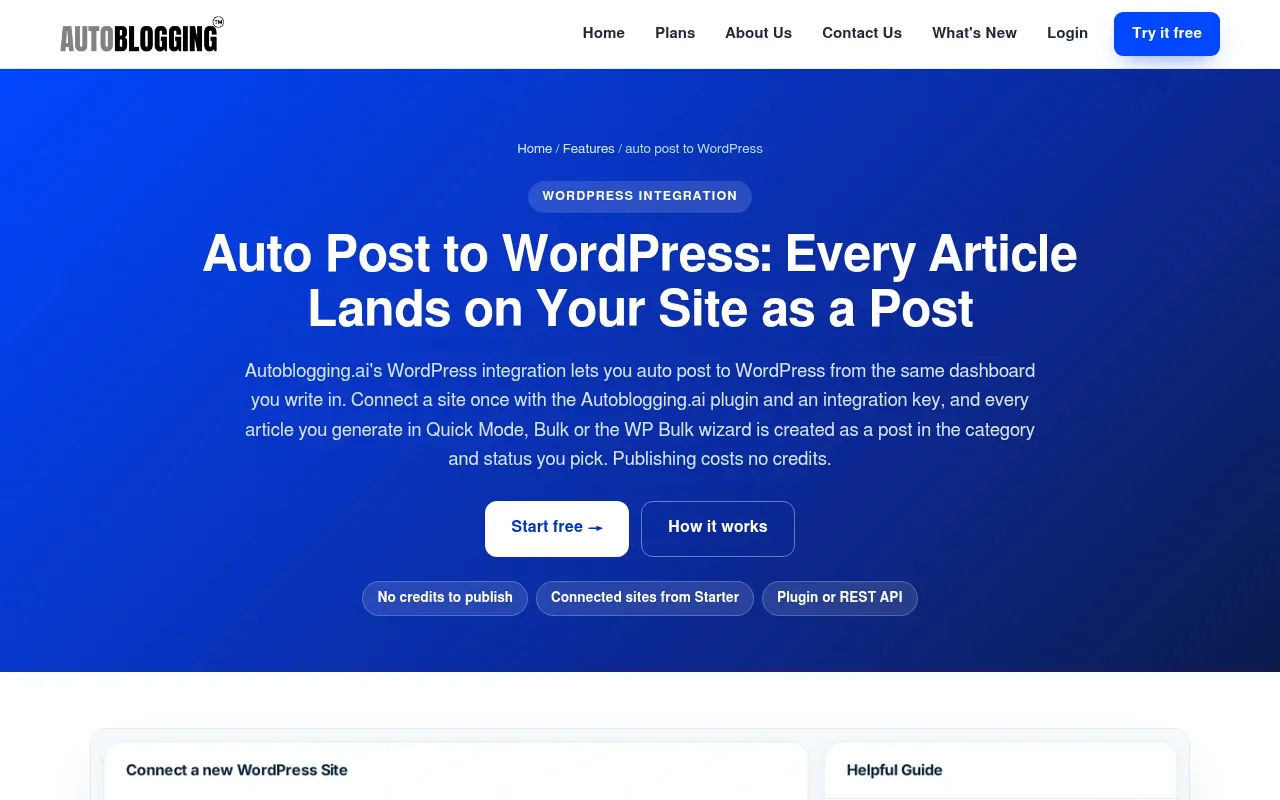
Autoblogging.ai for batch generation and scheduled posts
If you manage multiple sites or highly structured content sprints, you benefit from batch generation. Autoblogging.ai handles runs of up to 500 titles at a time, allowing you to space these posts out chronologically when pushing them to WordPress. This capability populates a site’s calendar for months in a single afternoon. You trade hands-off daily keyword research for the ability to mass-produce content around a specific topical map you define.
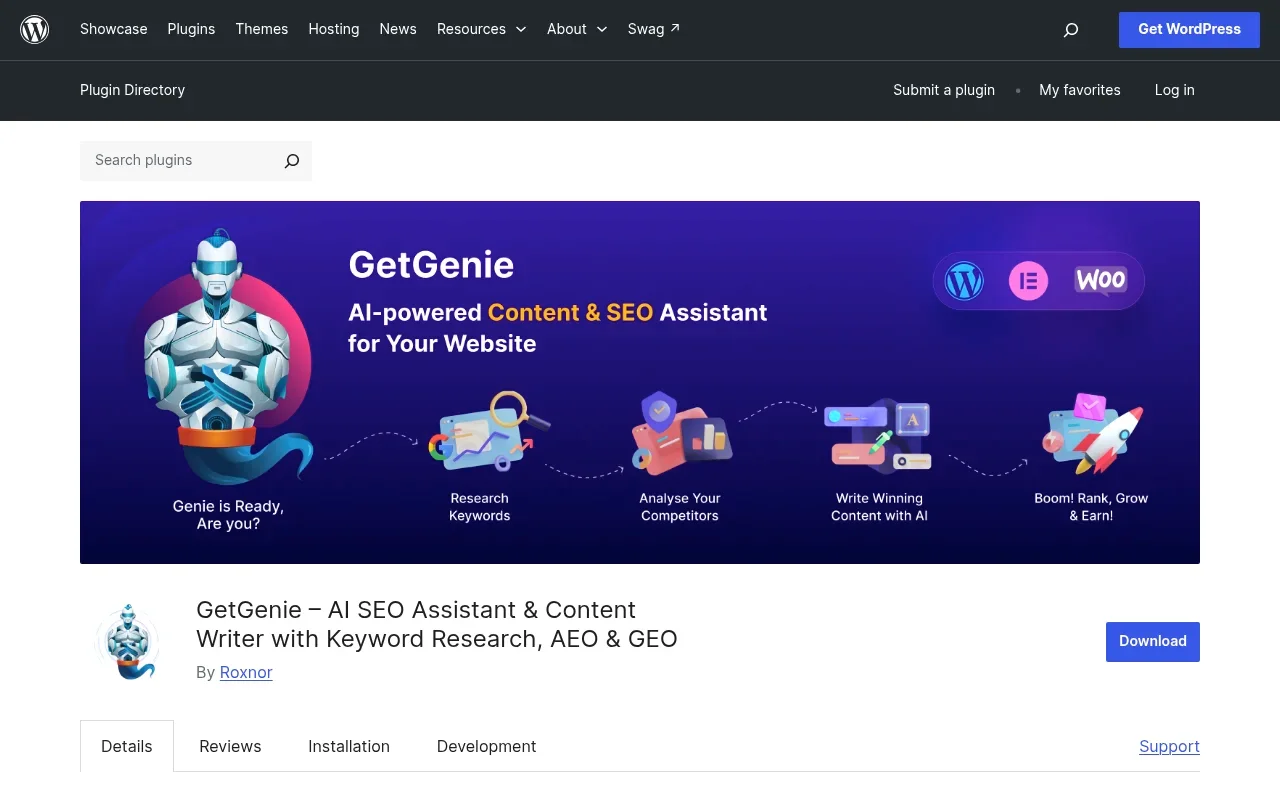
GetGenie for editor-led SEO writing
GetGenie suits you if you prefer to remain inside the WordPress dashboard while crafting content. The plugin provides a dedicated Blog Wizard guiding the creation of titles, outlines, and body text based on live SERP data. It functions less as an autonomous publishing engine and more as a highly capable writing assistant. This fits teams possessing the time to actively steer each piece of content but wanting AI to accelerate the drafting and optimization phases.
AI Engine + Meow Workflow for a configurable DIY stack
Operators who want absolute control over system prompts and API routing can build a custom solution using the Meow Apps ecosystem. AI Engine provides the generation framework, connecting WordPress directly to your preferred AI models. Adding Meow Workflow lets you configure scheduled triggers, such as converting an external RSS feed into AI-written draft posts. This setup demands significant upfront configuration and ongoing prompt maintenance, but it frees developers from the constraints of pre-packaged editorial assumptions.

Keep Content Quality Ahead of Publishing Volume
Automating your delivery pipeline removes the friction of daily publishing, but high volume alone will not secure search visibility. The goal is to build a reliable schedule of useful information, not to flood a server with empty words.
Google's spam policies assess whether pages are intended to manipulate rankings rather than help users. They define scaled content abuse as generating many pages for that purpose, a practice that often involves large amounts of unoriginal content with little or no value. The policy covers content made with generative AI or other tools, as well as pages created by scraping or combining material from other sites.
Google does not penalize content solely because software helped write it. A well-researched, clearly formatted article answering a user's question remains valuable regardless of its origin. A practical quality gate protects your site from algorithmic action, which means reviewing claims, clicking through citations, and checking originality before an automated draft goes live. If an article repeats generic advice without adding specific context for your audience, rewrite it.
Google says foundational SEO practices remain relevant to its generative AI search features, and its guide to optimizing for generative AI features says those features do not require new AI-specific files or markup. Instead, it recommends unique, useful content that's well organized and easy to follow, alongside established technical SEO practices.
Treat vendor claims about AI readiness scores or guaranteed visibility in language models as product aims, not verified search-engine endorsements. Tools measuring their own effectiveness provide helpful internal benchmarks, but they cannot force a third-party platform to cite your page.
Choose your automation software based on the workload it removes from your desk. If your team has the capacity to research keywords and guide a writing assistant, an in-editor tool provides a helpful advantage. If you need to populate a vast architecture quickly, a batch generator processes volume efficiently. For a lean team wanting the strategic advantage of daily, fully researched articles arriving in WordPress without daily management, a dedicated research-to-delivery system provides the most complete automation available.
Ready to step away from the blank page and start growing your organic traffic on autopilot? RankPine handles competitor research, keyword targeting, and daily WordPress delivery so you can focus on running your business. Visit RankPine.com to start your automated content strategy today.