Shopify Auto Blog Poster Plugin: What to Check

E-commerce operators rely on organic search to bring in potential buyers over time. Maintaining a publishing schedule takes steady effort that competes directly with fulfilling orders, managing inventory, and handling support tickets, so automating the content pipeline can help. A Shopify auto blog poster plugin can reduce friction between an empty content calendar and a live article by taking over the drafting and formatting steps.
Turning a blank page into text represents only a fraction of the work required to run a successful store blog. Software writes words rapidly, but publishing those words without a clear strategy often results in a cluttered site that provides little value to your customers. Choosing the right automation tool requires evaluating which parts of the workflow the software handles, how it integrates with your store, and whether it leaves you with sufficient editorial control.
What a Shopify Auto Blog Poster Does
Shopify's online store comes with a built-in blogging engine.
The value of an automation app lies in managing the workflow surrounding those posts. Producing an article that helps a customer and ranks in search engines requires multiple distinct steps. A complete workflow includes keyword research, competitive analysis, outlining, drafting the text, finding authoritative sources, building internal links to your product pages, formatting the HTML, and hitting the publish button.
When evaluating these tools, you are deciding which parts of that sequence to hand over to software. A basic tool might handle the drafting phase alone. You paste a prompt into a text box, and the software returns a few paragraphs that you must manually copy, format, and link within your Shopify dashboard. A more advanced app attempts to absorb the entire pipeline, from discovering the initial topic to scheduling the finished article on your store.
Understanding your own operational bottleneck determines which type of app fits your business. If you already have a detailed content calendar and need a faster way to draft first versions, a basic writing assistant works well. If your main struggle is finding the time to research topics and manage the publishing queue, you need a tool that operates autonomously.
Choose an App by How It Finds Topics
For a lean marketing team, the hurdle may be less about typing speed than finding useful topics. Learning what questions your customers ask requires ongoing research, so an auto-poster is only as useful as the topics it covers.
Compare the different workflows available in the app ecosystem. One approach requires the merchant to supply target phrases, then generates articles around those prompts. For example, you can enter specific SEO keywords and let the software build posts around them.
This prompt-driven workflow assumes you already have a documented content strategy. If you choose a tool that relies on merchant-supplied keywords, you still bear the responsibility of buying an SEO research tool, filtering for terms with realistic competition, checking search intent, and organizing a content calendar. The app executes the writing portion of your strategy.
The alternative workflow treats topic discovery as part of the automation. RankPine's Shopify App Store listing says the app researches topics and creates one SEO article for a store blog each day. This model may suit solo founders who want help maintaining a publishing schedule, but review the suggested topics against your catalog and customer questions before relying on it without oversight.
Both approaches carry distinct trade-offs. Supplying your own topics provides tight control over the exact themes discussed, ensuring every article aligns with a specific upcoming product launch or seasonal promotion. Delegating research can reduce some of the manual work involved, provided the resulting articles match your overall product catalog.
Whichever method you choose, evaluate every suggested topic against customer reality. A store selling handmade leather wallets should publish articles explaining how to condition different types of leather or how to remove scratches. If the automated tool starts generating generic posts about the history of currency, it adds pages that may not help a shopper or support a purchase. Automated research does not guarantee a useful article, so check that the chosen topics serve your audience.
Verify Native Shopify Publishing Controls

How the generated content arrives on your storefront matters as much as how it was written. For a cleaner publishing workflow, look for integrations that use Shopify's native blog tools instead of complicated workarounds.
Some external content tools rely on a separate hosted blog or custom JavaScript in your theme to display articles. These setups can add implementation and maintenance work, so ask how an app publishes posts before installing it. An integration that creates blog posts directly in Shopify can avoid changes to your theme code.
Review the publishing modes the app supports. You need the ability to hold an article in draft status so you can review it before customers read it. The software should allow you to toggle between saving drafts, scheduling posts for future dates, and publishing live. Starting with a draft-only workflow gives you a safety net while you learn how the tool performs.
Source verification is another important buying criterion. For claims about health benefits, financial statistics, or technical specifications, look for citations that a capable automation app hyperlinks naturally within the text. Before approving a draft, click those links and make sure the original source supports the nearby claim. If an app invents URLs or links to irrelevant pages, it damages your store's credibility.
Product links require the same editorial scrutiny. Automated internal linking should direct readers to relevant collections or specific items that solve the problem discussed in the text. If an article about winter coat materials inserts a promotional link for a summer swimsuit collection, the automation fails the reader. Open the draft in your Shopify admin panel, check the anchor text, and ensure every internal link provides a logical next step for the customer.
Check Cost, Permissions, and Proof
Automation reduces direct freelance writing expenses, but it introduces different commercial and operational costs. Evaluating an app requires checking its pricing structure against your expected publishing frequency to understand the real financial commitment.
Pricing models vary widely across the Shopify App Store. Some tools charge per word, creating unpredictable monthly bills if the software generates longer articles. Others charge a flat fee for a specific block of credits, while a third model offers a flat monthly rate for a specific daily output. Calculate your expected volume and read the trial terms carefully. Understand what happens when you hit a usage limit, and check the cancellation policy before installing anything.
App permissions dictate what the software can access within your store. An auto-poster generally needs access to create or update blog posts. It should not need access to customer payment data, shipping addresses, or historical order metrics to publish content, so review the installation screen and avoid any tool that requests access beyond its stated function.
Independent proof helps distinguish marketing claims from technical capabilities. Look at the launch dates and review counts on the app listings. Pay attention to reviews that discuss long-term traffic results, stability, and customer support responsiveness rather than praising a fast installation process alone.
Factor in the time required for human review as part of the total cost. If an app costs thirty dollars a month but requires you to spend two hours a week rewriting awkward sentences, fixing broken links, and deleting repetitive paragraphs, the financial impact includes your hourly rate for that editorial work. Cheap automation that requires heavy editing often costs more than expensive automation that runs reliably.
Where RankPine Fits in the Workflow
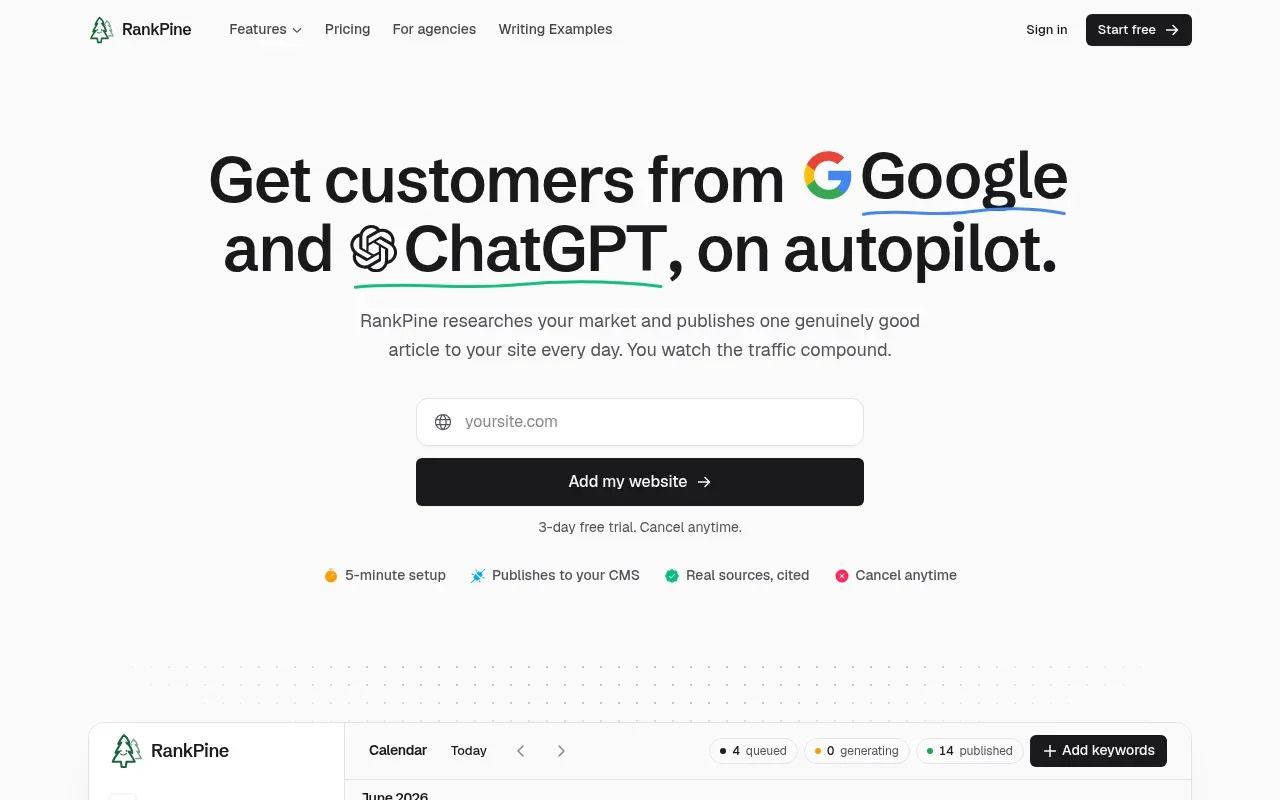
RankPine combines topic research with blog publishing. Its Shopify App Store listing says the app researches and publishes one SEO article to a store blog each day, offers draft, scheduled, and automatic publishing, and adds no storefront scripts or theme extensions. The listing also says its articles include sources and internal links, which you should review before publishing.
This approach can help reduce the friction of a stagnant blog by setting a regular cadence. A daily schedule can help build an informational library without requiring the store owner to intervene each day. Start with drafts so you can review the topics, citations, and links before enabling automatic publication.
To set realistic expectations, review the commercial details. The Shopify App Store listing shows RankPine at $99 per month with a 3-day free trial, a September 4, 2026 launch date, and no reviews. With no reviews to assess, treat it as a product fit to evaluate during the trial rather than a proven market default. Prices and review counts change over time, so verify the current terms before committing.
Protect Content Quality and Search Expectations
Page volume alone does not make content useful to shoppers, and Google's guidance on generative AI search emphasizes useful, original content and warns that producing many pages primarily to manipulate rankings can violate its scaled-content-abuse policy. It also says page quantity alone does not make a site more relevant to users.
Publishing a new article every day can work when each piece answers a specific, distinct customer query. If topics start overlapping, contradicting each other, or providing generic summaries of better-researched competitor pages, the daily cadence can become a liability. Check that the topics fit your store's brand, verify the cited sources, and inspect the product links before enabling automatic publication. Frame daily posting as an operational cadence that keeps your site fresh and informative.
Google's generative AI features have technical eligibility rules. Its guidance for site owners says a page must be indexed and eligible to appear with a Search snippet before it can qualify as a supporting link in AI Overviews or AI Mode. It also says sites must be included in Google's generative AI features in Search Console, and meeting these requirements does not guarantee that Google will show a page.
Technical eligibility does not guarantee placement or traffic. Publishing a daily article does not force Google or another AI search tool to surface it, so treat automated publishing as a way to build a helpful, accessible library of information for your customers and let visibility depend on the quality of that library.
Evaluating Your Options
Choosing the right tool requires matching the software's capabilities with your available time and technical expertise. Use this breakdown to map your current situation to the features you should prioritize.
| Your Situation | Primary Bottleneck | What to Prioritize |
|---|---|---|
| Solo founder with zero editorial time | Finding topics and maintaining a publishing schedule | Autonomous topic research, native Shopify integration, and verified external citations. |
| Content manager with a strict calendar | Drafting speed and formatting | Prompt-driven generation, manual keyword inputs, and draft-only publishing modes. |
| Niche site builder scaling multiple stores | Consistent volume without breaking themes | Strict daily scheduling, clean native blog objects, and automated internal linking. |
If you prioritize control over every headline, choose an app that waits for your specific keyword prompts. If you prioritize consistent output and hands-off growth, choose a tool that manages the research phase for you.
Frequently Asked Questions
Does Shopify Have a Blog, and Does an App Write or Publish Posts?
Shopify includes a built-in blogging engine on all standard storefronts, meaning you do not need an app to create or host a blog. An auto-poster app is an optional add-on that automates parts of the content workflow. Capabilities vary widely between tools; some write text based on your prompts, while others research topics, format the HTML, and publish the finished posts directly to your native Shopify blog.
Can AI-Written Posts Rank, or Does Daily Posting Guarantee Traffic?
AI-assisted pages can be eligible for search, but daily posting does not guarantee traffic. Google's guide to generative AI search recommends original, useful content and adherence to Search policies. A large page count does not make a site more relevant, so each post should answer customer questions and provide distinctive value.
Can an Auto-Poster Get Posts Cited in ChatGPT?
An auto-poster can publish content, but it cannot control whether ChatGPT cites or surfaces a post. A daily schedule does not ensure placement, so prioritize accurate, useful answers that serve your customers.
Ready to automate your store's content pipeline without sacrificing quality? RankPine researches topics, writes articles with sources and internal links, and publishes to your Shopify blog every day. Stop struggling with a blank editorial calendar and start building a useful content library on a steady schedule. Visit RankPine to start your trial today.